

KIKUGO Feature
Netflix to Anki for Japanese Subtitle Cards
Move from Netflix to Anki with Japanese subtitle cards that keep sentence context, explanations, and a focused review workflow.
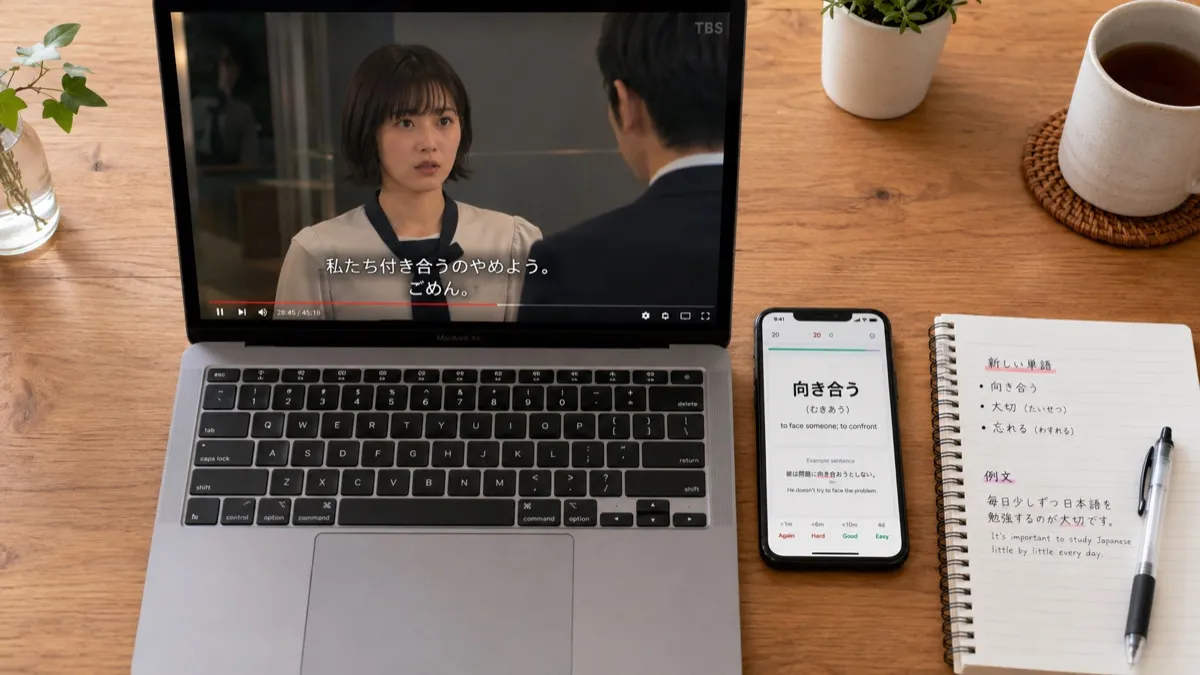
- Capture selected Netflix subtitle lines
- Keep Japanese sentence explanations with context
- Export a focused set of review cards
Netflix to Anki works best when you save fewer, better Japanese subtitle lines. KIKUGO helps you click a line while watching, understand the sentence, save the context, and export a cleaner review set later.
For the full workflow, read Netflix Subtitles to Anki for Japanese, then compare the deeper Netflix to Anki sentence deck. If you are choosing a browser workflow first, start with Learn Japanese with a Netflix Chrome Extension.
Learners moving from another tool can compare the current Language Reactor to Anki workflow with the Migaku extension and Anki workflow.
Best Answer
Use KIKUGO when your source is Netflix, your target is Anki, and your bottleneck is capture speed. The strongest workflow is not bulk exporting every subtitle. It is saving the lines that are understandable, reusable, and worth seeing again.
That is sentence mining rather than subtitle archiving: capture a line because it teaches one useful expression, keep enough context to remember it, and skip lines that are far above your level. KIKUGO exports the selected cards as a UTF-8 TSV file for import into Anki. Review the fields before import and keep a backup of any existing deck.
| Workflow need | KIKUGO fit |
|---|---|
| Capture while watching | Click a Japanese subtitle line |
| Understand the sentence | Keep a full-line explanation |
| Avoid a review backlog | Save selected cards only |
| Review later | Export your focused card set |
Best Fit
KIKUGO is strongest for Netflix-first learners who want a low-friction path from subtitle line to review card. A power-user Anki setup may fit better if you need custom note types, local video files, or batch-generated decks.
KIKUGO does not configure Anki scheduling or choose a daily workload for you. Anki’s official manual explains deck options and daily limits; use those controls to keep new cards from creating an unmanageable review queue.
Install KIKUGO and turn one subtitle line into a review card.
FAQ
Can KIKUGO help with Netflix to Anki workflows? Yes. KIKUGO is built to save selected Japanese Netflix subtitle lines and prepare them for Anki-style review.
Should every Netflix subtitle become an Anki card? No. The best workflow saves only useful lines that are close to your level, so review stays manageable.
What makes a Netflix subtitle card useful? A useful card keeps the full sentence, meaning, reading support, and enough context to remember why the line mattered.