

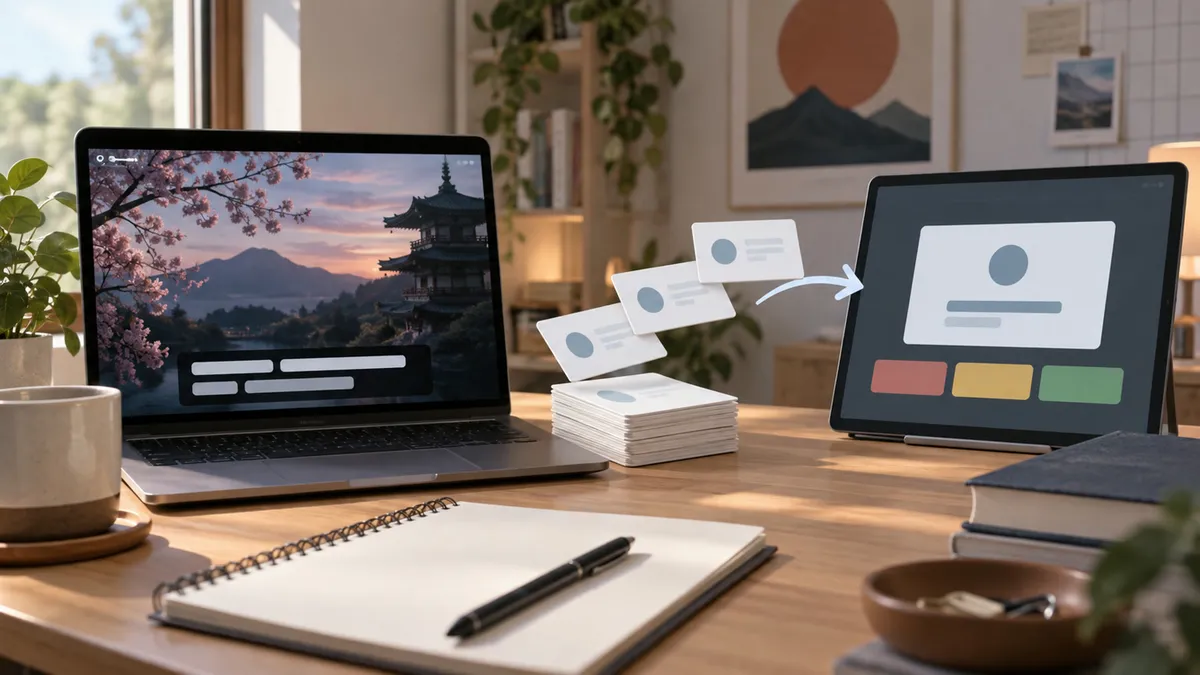
Netflix subtitles to Anki works best when you mine a small number of high-value Japanese lines instead of exporting every subtitle. The goal is not a giant deck. The goal is context-rich cards you will actually review.
Use From Netflix to Anki for the full workflow, Anki Japanese sentence mining workflow for daily routine, and the Japanese sentence mining hub when you want the surrounding method.
Best Answer
The practical workflow is: watch with Japanese subtitles, click only useful lines, understand the sentence, save the card, then export to Anki when you have a batch worth reviewing.
| Step | Why it matters |
|---|---|
| Pick one useful line | Keeps the deck small |
| Understand grammar and nuance | Prevents shallow cards |
| Save context | Makes review easier |
| Export in batches | Avoids constant setup |
KIKUGO Workflow
KIKUGO is built around Netflix Japanese subtitles. It keeps the flow simple: subtitle line, explanation, saved card, export.
That differs from manual copy-paste systems where you juggle subtitle files, screenshots, dictionary lookups, and Anki fields. Manual setups can be powerful, but they are easy to abandon. KIKUGO is stronger when your priority is low-friction review from Netflix.
Compare the product path on Anki export for Japanese, then deepen the card design with Japanese Anki sentence cards.
For the full setup and troubleshooting path, see the Japanese Netflix subtitles guide.
Install KIKUGO and create your first Japanese subtitle card from Netflix.
FAQ
Can Netflix subtitles become Japanese Anki cards? Yes, if you capture the sentence, keep enough context, and review it in a spaced repetition system instead of copying random lines.
Should every subtitle line go to Anki? No. Save only lines that are understandable enough, useful enough, and likely to appear again in your study life.
How does KIKUGO help with Netflix subtitles to Anki? KIKUGO lets you click Japanese subtitle lines, save explained cards, and export them in an Anki-ready workflow.